I’ve been building for the web for almost 10 years now, but I didn’t start that way. Recently I was digging through old university files and found the first website I ever built. It was the final project for my database course — and it was where I had my first real encounter with web development.
Here’s the story.
The Assignment
The task was straightforward: build a system that applied everything we’d learned in the course. Define a relational data model, implement it, and support all kinds of queries. The language and technology were up to us.
After some research and weighing the options, I chose PHP, SQLite, HTML, and CSS. No JavaScript. It was my first time combining these technologies, and there was a lot to absorb — but I eventually shipped a working product: a music library where you could create an account, store your favorite songs, and play them back.
Sounds simple, right? It is — but when you’re just starting out, the scope of what you’re actually learning is huge.
What It Actually Took
If you’re new to this world, here’s everything that went into building that app:
-
Understanding web development — How to set up a server (I used XAMPP back then), and grasping that some technologies run on the server (PHP, SQLite) while others run in the browser (HTML, CSS, JavaScript).
-
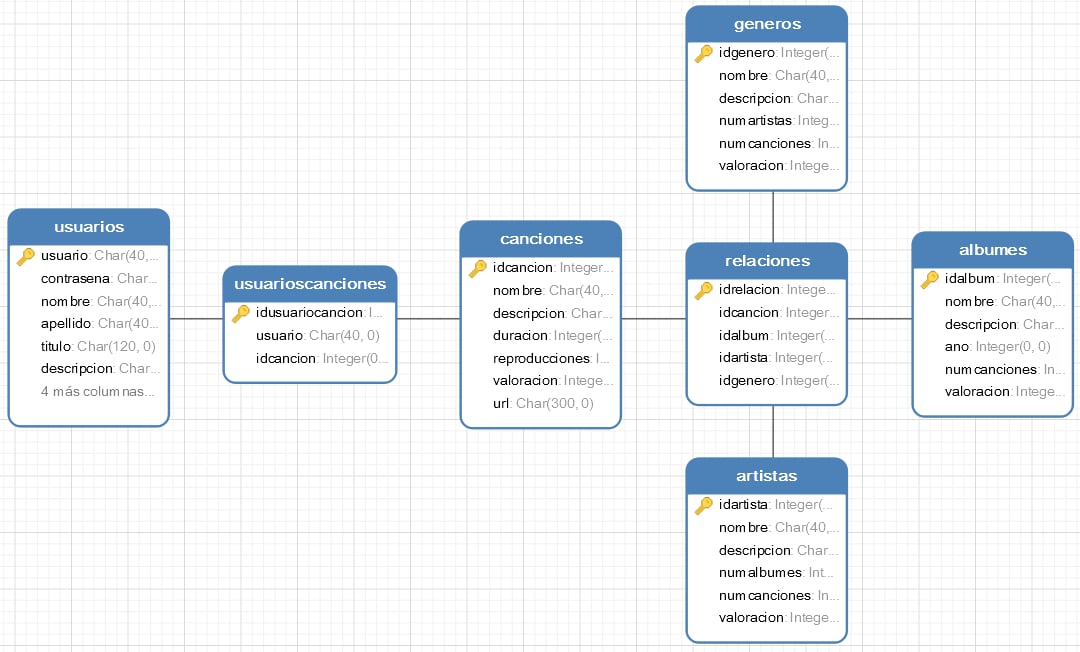
Designing the data model — Defining tables, relationships, and constraints in SQLite.
-
PHP + SQLite — Learning how to connect to the database, run queries, and handle results from PHP.
-
CRUD for every entity — Create, read, update, delete for each model in the system.
-
Client–server communication — How the browser talks to the server and how data flows back and forth.
-
Layout and styling — Building interfaces with HTML and CSS.
-
File handling in PHP — Uploading and storing song files in an organized way on the server.
-
Session management — User registration, login, and session lifecycle (create, destroy).
That list captures most of the work. And importantly: everything was built from scratch. No frameworks, no libraries for sessions, file handling, or layout. I always recommend starting that way — as an academic and self-learning exercise, it’s crucial to understand the concepts before leaning on abstractions. You need to know what your tools do under the hood when you eventually choose a stack.
The Data Model
Here’s the database schema I designed for the music library:
The Application in Action
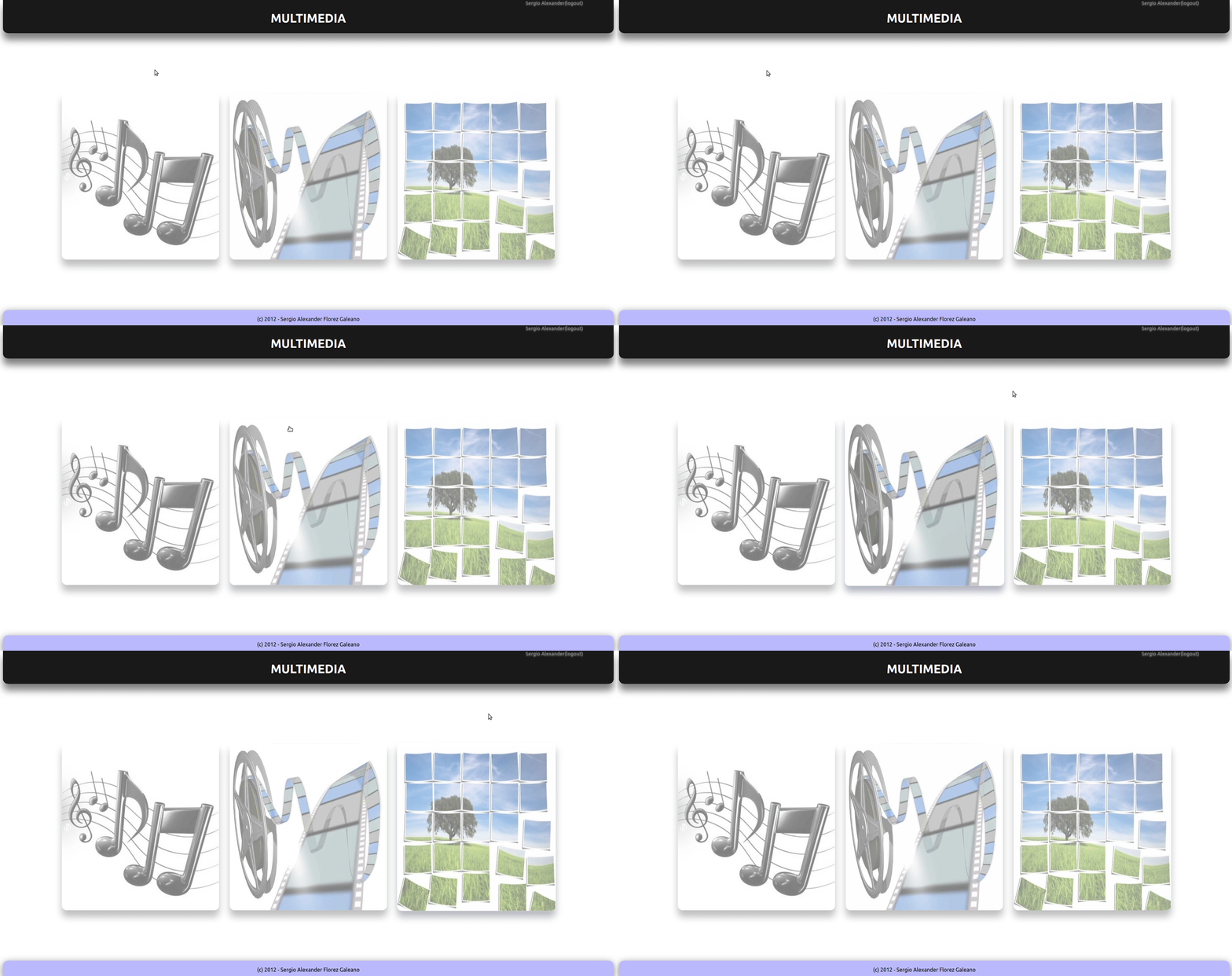
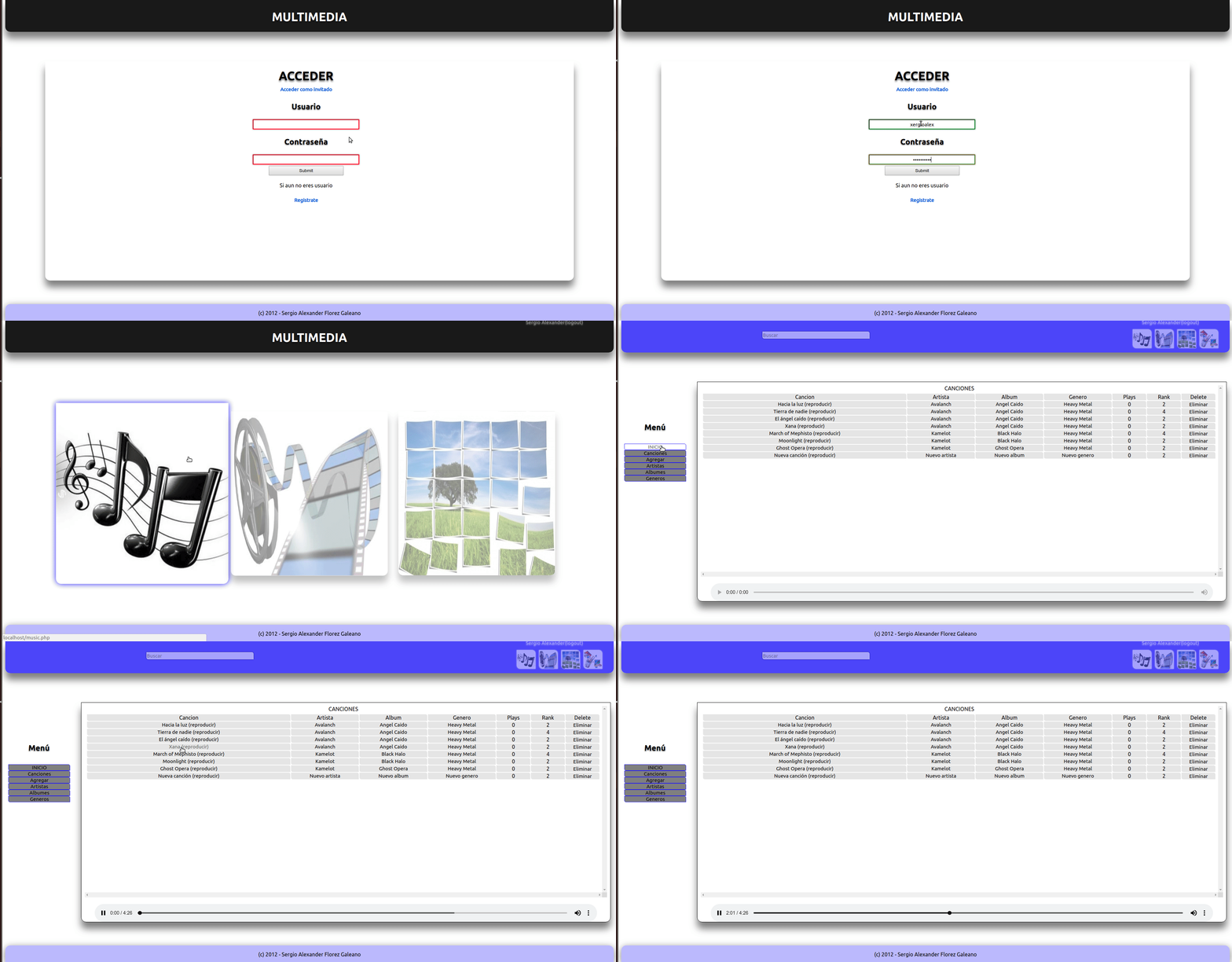
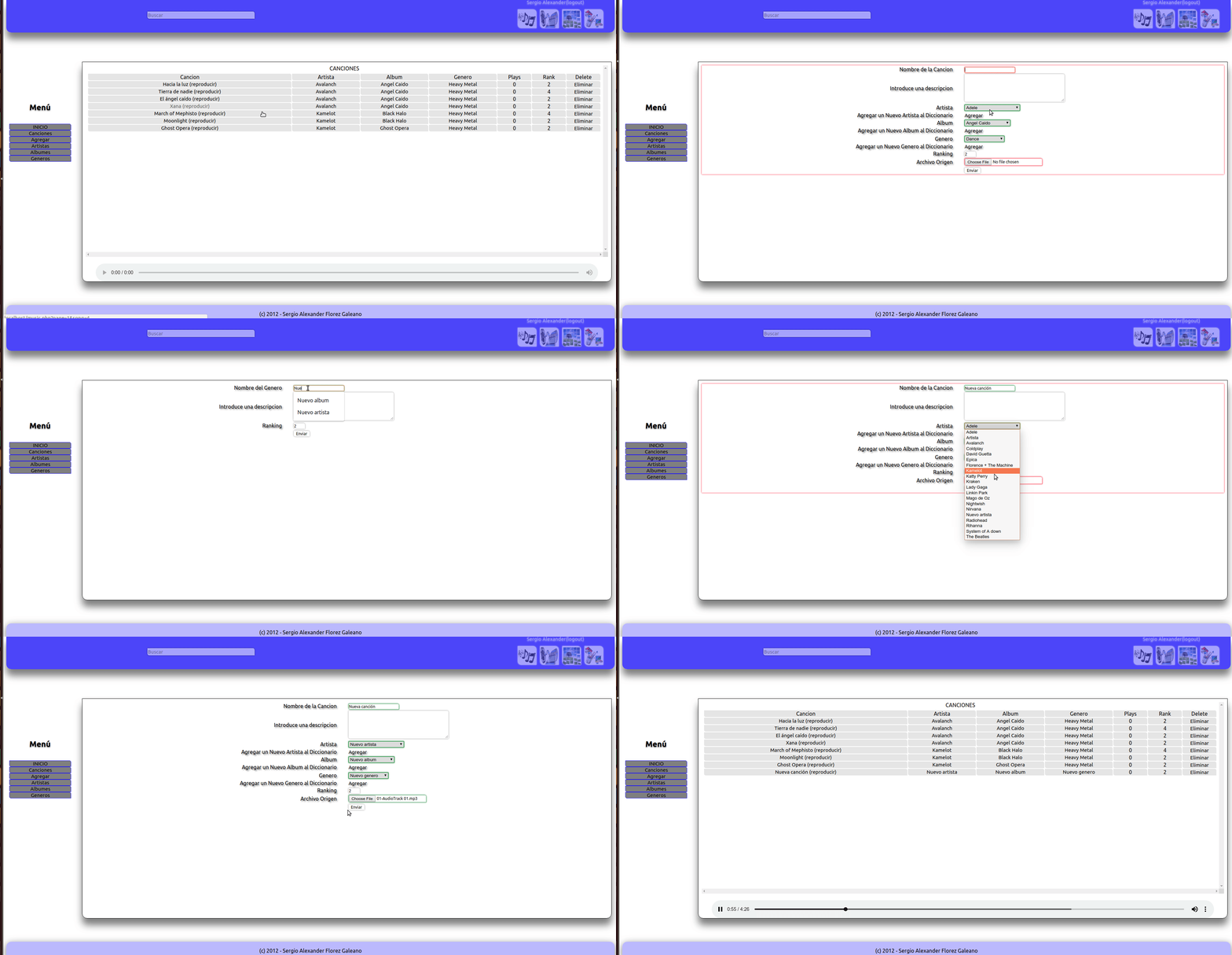
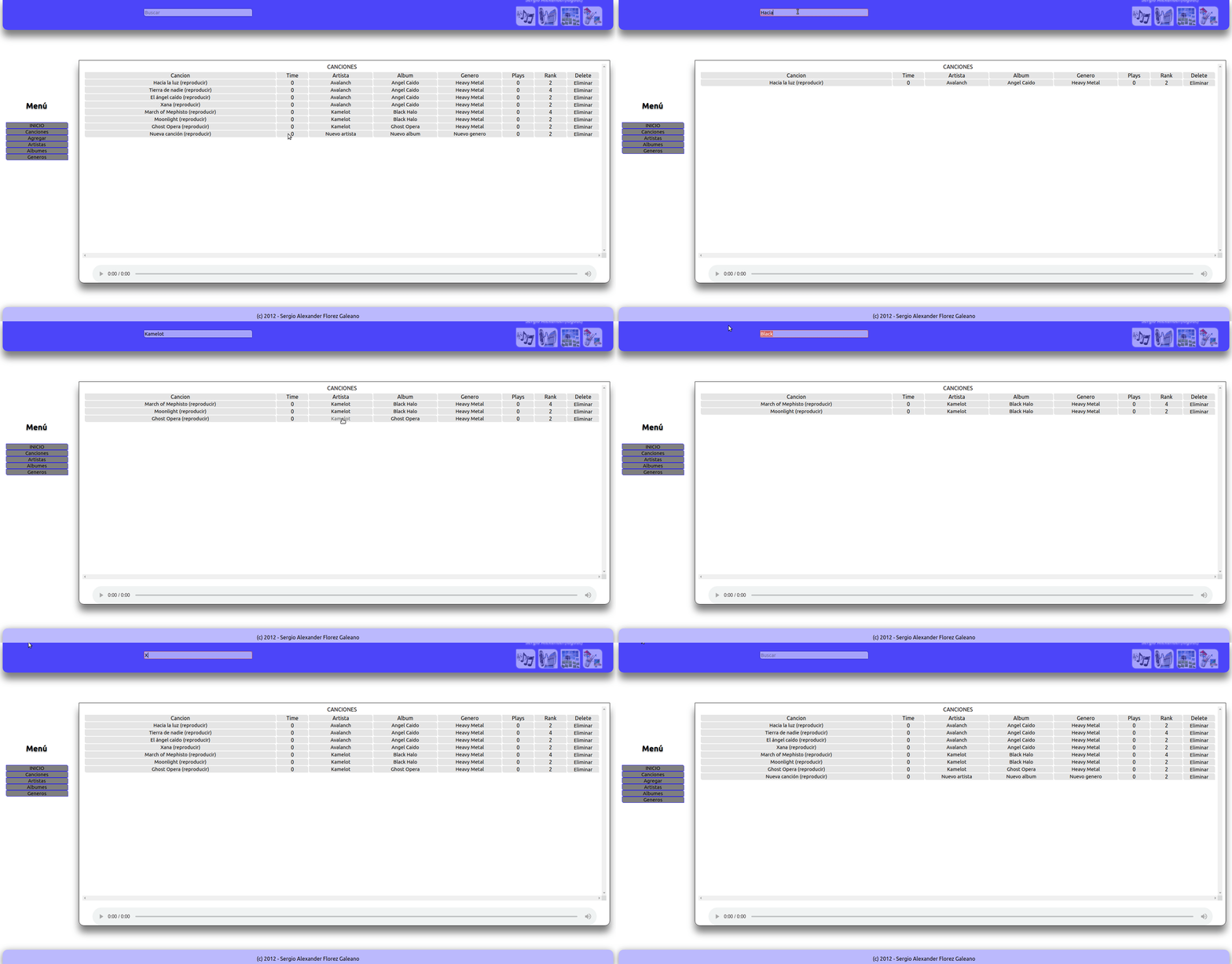
I’ve kept the project on GitHub all these years. Here are some GIFs that show how the app looked and worked:
Homepage
User Registration and Login
Browsing and Managing Songs
Search
A Few Honest Words
This was my first web project. You won’t find polished code, thorough documentation, or best practices. What you’ll find is the best a sleep-deprived computer science student under a heavy course load could do in a short amount of time.
I hope you enjoyed this short story — and I hope this code might be useful to someone someday.
“Intelligence consists not only in knowledge, but also in the skill of applying knowledge in practice.”
— Aristotle
Try It Yourself
If you want to run the app locally, install PHP (it works with PHP 7.0 and the php7.0-fpm and php7.0-sqlite3 extensions) and follow the setup in the repository.
Repository: xergioalex/MusicLibraryPHP