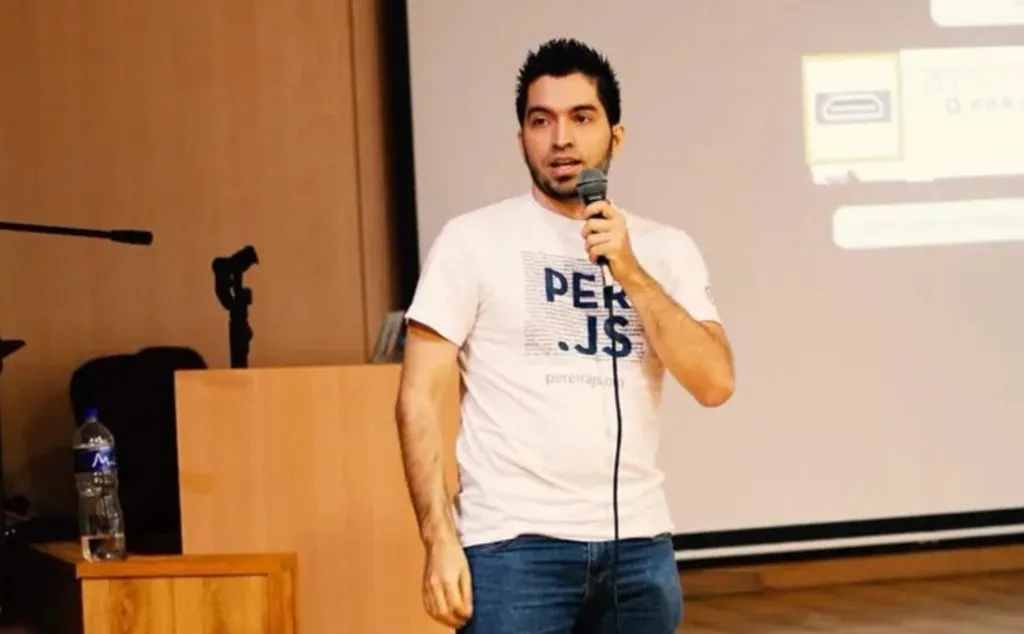
I’ve given talks on serverless before, but this one at Manizales Tech Talks had a different angle: voice as the new interface. Not just serverless functions or IoT devices in isolation, but the convergence of all three — voice, events, and infrastructure that scales to zero.
The web is evolving. Gartner predicted that by 2020, 30% of web browsing sessions would be done without a screen. Voice First Browsing. We’re not quite there yet, but the direction is clear. Alexa, Google Assistant, Siri — these aren’t novelties anymore. They’re interfaces people use daily. And they’re fundamentally different from clicking buttons or tapping screens.
Voice is the New Interface
Conversational interfaces change the interaction model. Instead of navigating menus, users speak intent. Instead of forms, they have dialogues. The friction is lower — no typing, no clicking, just talking. But the design challenge is higher. You can’t show a visual menu. You can’t assume the user remembers where they left off. You have to design for conversation, not navigation.
A good example is Bambú Meditación, an Alexa skill for guided meditation. The voice user interface combines frontend (the experience of talking to the assistant) and backend (the logic that processes the request). Here’s how it works:
- Wake word — “Alexa” (or “Hey Google”, “Siri”, etc.)
- Invocation name — “Open Bambú” or “Launch Bambú”
- Utterances — What the user says in context. “I want a meditation to rest.” “Play a morning session.” “Help me focus.”
- Slots — Variable data extracted from utterances. “rest”, “morning”, “focus”.
- Intent — The action the app must execute. Play a specific meditation. Resume session. Provide help.
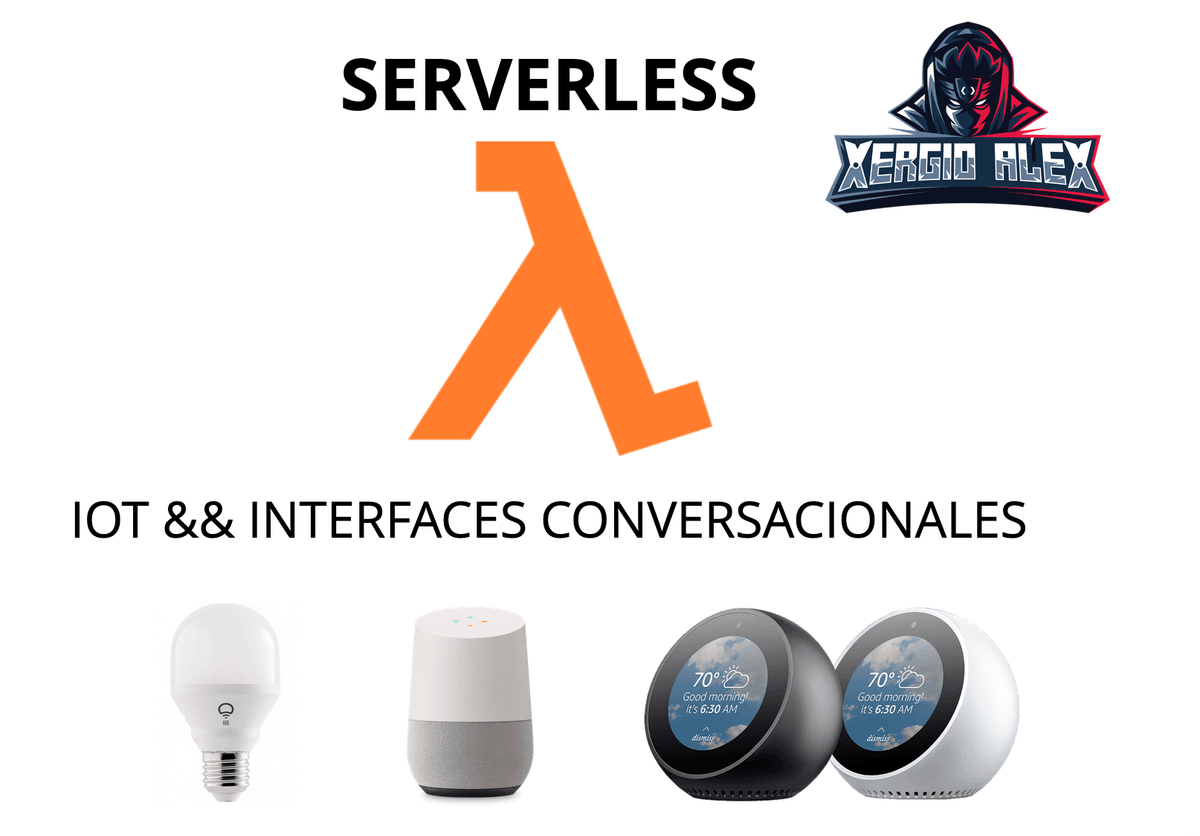
The backend — in this case, an AWS Lambda function — receives the intent and slots, fetches the appropriate audio or data, and returns a response. The user hears a meditation track or a confirmation. The entire interaction is event-driven. No long-running server. No idle resources. Just a function that wakes up when spoken to.
Designing for Voice
Voice interfaces are harder to design than visual ones because:
- No visual feedback. You can’t show a loading spinner. You can’t display a list of options. Everything is spoken.
- Memory is limited. Users won’t remember a 10-item menu read aloud. Keep interactions short and contextual.
- Error handling is critical. If the user says something unexpected, you can’t show an error page. You have to respond gracefully in voice.
- Context matters. A skill should remember where the user is in a flow. “Yes” means different things depending on what you just asked.
The best voice interfaces feel like talking to a helpful human, not navigating a phone tree. Natural language processing (NLP) helps, but interaction design is what makes or breaks the experience.
Serverless Powers Conversational Interfaces
Voice interfaces are naturally event-driven. A user speaks, the assistant processes the input, and the backend responds. There’s no need for a server running 24/7 waiting for requests. This is where serverless shines.
With AWS Lambda, Google Cloud Functions, or Azure Functions, you deploy a function that:
- Receives the parsed intent and slots from Alexa, Google, or another platform
- Executes business logic (fetch data, process input, update state)
- Returns a response (text-to-speech, audio, or structured data)
The function only runs when invoked. If no one uses the skill for hours, you pay nothing. If a million people use it simultaneously, the platform scales automatically. No capacity planning, no load balancers, no autoscaling groups. Just code.
For IoT integration, the same model applies. A voice command might trigger a Lambda function that sends a signal to an IoT device. “Alexa, turn on the light.” The function receives the intent, calls an IoT endpoint (MQTT, HTTP, WebSocket), and the light turns on. All event-driven, all serverless.
The Serverless Foundation
Since I’ve covered serverless in detail in a previous talk, here’s the quick refresher:
BaaS (Backend as a Service) — Pre-built services you connect via APIs. AWS DynamoDB (database), Auth0 (authentication), Algolia (search). You don’t build or maintain these; you consume them.
FaaS (Functions as a Service) — Functions that run in response to events. AWS Lambda, Google Cloud Functions, Azure Functions. You deploy code, the platform handles execution.
Benefits:
- No server management
- Automatic scaling
- Pay-per-execution pricing
- Event-driven by nature
Drawbacks:
- Vendor lock-in
- Cold start latency (first execution delay)
- Execution time limits (AWS Lambda: 15 minutes max in 2024, was 5 in 2019)
- Debugging challenges
Use cases:
- APIs and webhooks
- Data processing and ETL
- Chatbots and voice interfaces
- IoT backends
- Scheduled jobs
Avoid when:
- You need long-running processes (hours)
- You want full control without vendor dependency
- You have complex stateful workflows
IoT and Voice: A Perfect Match
IoT devices generate events. A sensor reads temperature. A motion detector triggers. A smart bulb receives a command. All events. Voice interfaces generate events too. A user speaks. An intent is parsed. An action is requested.
Serverless sits in the middle, reacting to both. A voice command becomes an IoT event. An IoT sensor reading becomes a voice notification. The architecture is symmetric:
User speaks -> Alexa/Google -> Lambda -> IoT device
IoT device triggers -> Lambda -> Alexa/Google -> User hears
For example, you could say “Alexa, what’s the temperature in the living room?” and the flow would be:
- Alexa parses the intent and sends it to Lambda
- Lambda queries the IoT device (via MQTT or HTTP)
- Device responds with the temperature
- Lambda formats the response (“It’s 22 degrees Celsius”)
- Alexa speaks the response
All of this happens in seconds, with no persistent infrastructure.
Demo Recap
I demoed the same projects from my earlier serverless talk, but this time with emphasis on the voice and event-driven aspects:
- Bambú Meditación — Alexa skill powered by Lambda. Voice-first meditation guidance.
- IoT Light Bulb — Serverless-controlled light bulb. HTTP API triggers Lambda, which signals the device.
- DailyBot — Team assistant bot. Scheduled events and user messages trigger Lambda functions.
- Twitter Bot — Automated tweeting via Lambda and CloudWatch events.
Each demo showed the same pattern: event in, function runs, action out. No servers, no idle resources.
Where to Start with Voice Interfaces
If you want to build voice skills:
For Alexa:
- Amazon Alexa Skills Kit — SDK and documentation
- Use Lambda for the backend (simplest integration)
- Design utterances and intents in the Alexa Developer Console
For Google Assistant:
- Actions on Google — Build conversational actions
- Integrate with Dialogflow for NLP
- Deploy backend logic to Cloud Functions
General resources:
- Focus on conversation design before writing code. Map out user flows as dialogues, not screens.
- Test with real users. Voice interactions feel different than you expect.
- Keep responses short and natural. Read them aloud to test cadence.
Voice interfaces are still early, but they’re here to stay. As IoT grows and natural language processing improves, voice will become a primary interaction mode for more applications. Serverless makes building these systems practical and cost-effective.
The future isn’t just apps you tap. It’s apps you talk to, and devices that respond. Building for that future means thinking in events, conversations, and functions — not servers.
Let’s keep building.