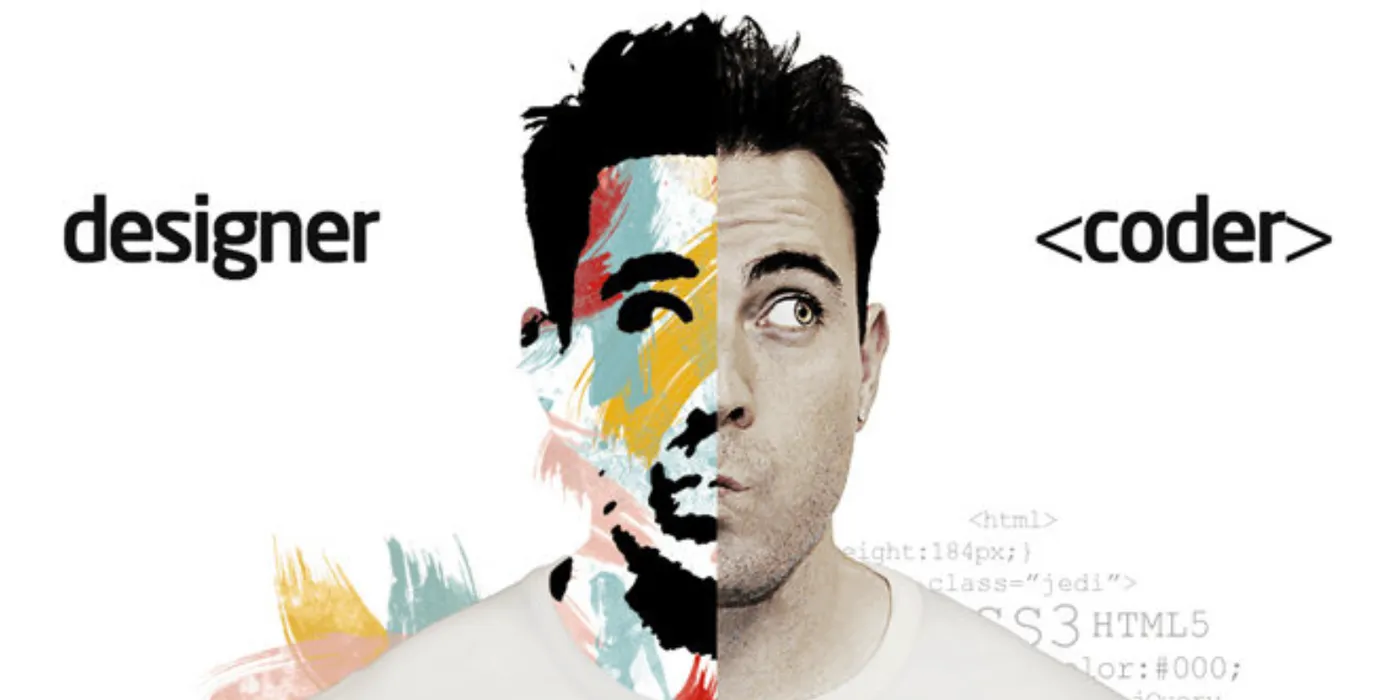
Styles are half the story of front-end development, but they’re often treated as an afterthought. Vue.js gets a lot of attention for its reactive data model and component architecture, but one of its best features is how it handles CSS. This talk at Vue Vixens Day Pereira was about making styling approachable, modular, and powerful.
Vue Vixens is a global community that creates workshops and events to teach Vue.js in a welcoming, inclusive environment. Their focus on diversity in tech makes learning accessible to people who might not see themselves represented in traditional tech spaces. Being part of this event meant contributing to that mission — helping people see that front-end development, and Vue specifically, is for everyone.
Front-end is HTML + CSS + JavaScript
At its core, front-end development combines three technologies:
- HTML — Structure and content
- CSS — Presentation and visual design
- JavaScript — Behavior and interactivity
A lot of front-end frameworks focus on JavaScript. They handle reactivity, state management, routing, and logic. But styles are equally important. A perfectly reactive app with broken layout or inconsistent design is still a bad user experience.
UX vs UI comes up a lot in these discussions. User experience (UX) is how the product feels and works — the flow, the usability, the journey. User interface (UI) is what the user sees and interacts with — the colors, typography, spacing, components. Both matter. Vue helps with both, but this talk focused on the UI side: how Vue handles styles.
The <style> Tag
In Vue, styles live inside <style> blocks in Single File Components (.vue files). This co-locates HTML, JavaScript, and CSS in one file, making components self-contained and easier to reason about.
Here’s a simple example:
<template>
  <div>
    <p>Hello World</p>
    <p class="text-green">Hello Vue Vixens</p>
  </div>
</template>

<style>
  p {
    color: red;
  }
  p.text-green {
    color: green;
  }
</style>
The <style> block uses regular CSS. You can use selectors, classes, IDs, pseudo-classes — anything you’d use in a standalone stylesheet. The difference is that these styles are tied to the component. When you import this component, the styles come with it.
By default, <style> without attributes applies globally. The styles leak out to the entire app. This can be useful for base styles, resets, or global utilities, but it’s risky for component-specific styles.
Scoped Styles
Vue’s killer feature for styling is <style scoped>. Add the scoped attribute, and Vue ensures the styles only apply to the current component:
<template>
  <div>
    <p>This is red only in this component.</p>
  </div>
</template>

<style scoped>
  p {
    color: red;
  }
</style>
Under the hood, Vue adds a unique attribute to all elements in the component’s template (something like data-v-f3f3eg9) and rewrites your CSS selectors to include that attribute:
p[data-v-f3f3eg9] {
  color: red;
}
This means:
- Styles don’t leak to other components
- You can use simple selectors (like
por.button) without worrying about conflicts - Component styles are truly modular
Why this matters:
In a large app with many components, global CSS becomes a nightmare. You end up with naming collisions, cascading conflicts, and specificity battles. Scoped styles solve this. Each component is a self-contained unit with its own styles.
Preprocessors: SCSS, Stylus, Less
Vue supports CSS preprocessors out of the box. Want to use SCSS? Just add lang="scss":
<style lang="scss" scoped>
  $primary-color: #42b983;

  p {
    color: $primary-color;

    &.highlighted {
      font-weight: bold;
      background: lighten($primary-color, 40%);
    }
  }
</style>
The & in SCSS is powerful. It references the parent selector, letting you nest styles without repeating yourself. &.highlighted becomes p.highlighted. It’s cleaner and easier to maintain.
Supported preprocessors:
- SCSS/Sass — Most popular. Variables, mixins, nesting, functions.
- Stylus — Clean syntax, no braces or semicolons required.
- Less — Similar to SCSS, slightly different syntax.
To use a preprocessor, install the loader:
npm install -D sass-loader sassThen use lang="scss" in your <style> blocks. Vue’s build system handles the rest.
Why preprocessors?
- Variables — Define colors, spacing, fonts once and reuse them.
- Nesting — Organize styles hierarchically, matching the HTML structure.
- Mixins — Reusable chunks of styles (like a function for CSS).
- Functions — Calculate values dynamically (e.g.,
lighten(),darken()).
Preprocessors make CSS more maintainable, especially in large projects.
Importing CSS Frameworks
Vue components work well with CSS frameworks like Bootstrap or Semantic UI. You can import them globally or per-component.
Global import (in main.js):
import 'bootstrap/dist/css/bootstrap.css';
import 'bootstrap-vue/dist/bootstrap-vue.css';
import BootstrapVue from 'bootstrap-vue';

Vue.use(BootstrapVue);
Now Bootstrap styles and components are available everywhere.
Per-component import:
<template>
  <div>
    <b-button variant="primary">Click Me</b-button>
  </div>
</template>

<script>
import { BButton } from 'bootstrap-vue';

export default {
  components: { BButton },
};
</script>
Popular frameworks for Vue:
- Bootstrap Vue — Bootstrap components rebuilt for Vue with full reactivity
- Semantic UI Vue — Semantic UI adapted for Vue
These frameworks give you pre-built components (buttons, modals, forms) with consistent styling and behavior. You still control the layout and customize as needed.
Selectors and Specificity
A quick CSS refresher, because this trips people up:
p.text-green (no space) — Selects a <p> element with the class text-green. The element and class are on the same tag.
<p class="text-green">This matches</p>
<p><span class="text-green">This does NOT match</span></p>
p .text-green (with space) — Selects any element with the class text-green inside a <p>. The class can be on a child element.
<p><span class="text-green">This matches</span></p>
<p class="text-green">This does NOT match (no descendant)</p>
Understanding this matters when styling nested components or complex layouts.
Local vs Global Styles
A common pattern in Vue apps:
<style>
  /* Global styles: reset, base typography, utilities */
  body {
    margin: 0;
    font-family: 'Arial', sans-serif;
  }
</style>

<style scoped>
  /* Component-specific styles */
  .card {
    border: 1px solid #ccc;
    padding: 1rem;
  }
</style>
You can have both in the same component. Global styles apply everywhere. Scoped styles apply only to this component.
Best practice:
- Use global styles sparingly — base resets, typography, theme variables
- Use scoped styles for everything else — component-specific layout, colors, spacing
This keeps your styles predictable and avoids conflicts.
Why This Matters
Styling is often seen as less important than logic, but it’s what users see and interact with. A well-styled app feels polished, professional, and trustworthy. A poorly styled app feels broken, even if the logic is perfect.
Vue makes styling approachable by:
- Co-locating styles with components — No hunting through global stylesheets
- Providing scoped styles by default — No naming conflicts, no cascade issues
- Supporting preprocessors — Use the tools you already know
- Playing well with CSS frameworks — Integrate Bootstrap, Tailwind, or custom design systems easily
The goal is to make writing good CSS as easy as writing good JavaScript.
The Vue Vixens Mission
What I loved about this event was the focus on inclusion. Vue Vixens creates space for people who might not feel welcome in traditional tech meetups — especially women and non-binary folks. They provide mentorship, hands-on workshops, and a supportive community.
This talk on styling was part of a larger workshop series. Some attendees had never touched Vue before. Others were experienced developers curious about Vue’s component model. The mix made for great questions and collaborative learning.
If you’re interested in Vue and want a welcoming environment to learn, check out Vue Vixens. They have chapters worldwide and run workshops regularly.
Styles are not an afterthought. They’re half the front-end equation. Vue gives you the tools to write modular, scoped, maintainable CSS without fighting the framework. Whether you use plain CSS, SCSS, or a full design system, Vue gets out of your way and lets you focus on building great interfaces.
Let’s keep building.