
You’re at a hackathon. You have a weekend — maybe less — to turn an idea into something that works. I gave this workshop at Open Tech Hackathon because I wanted to give participants something they could use that same day: a map of the AI tools that actually help you ship, and a mental model for how to use them without getting lost in the hype.
The Vibe Coding e IA session on October 4 was aimed at one thing: inspire and guide. Not theory. Not “the future of work.” Concrete tools and a way of thinking that would help them build their initiatives faster.
What I Wanted to Leave Them With
Three things. First: which tools to try — Cursor, Codex, Claude Code. Second: how to think about them — you’re not replacing yourself, you’re multiplying. Third: a mindset — describe what you want, let the agent iterate, you steer. That’s vibe coding. That’s what I wanted them to take into their projects.
The Tools: When to Use Each
I walked through the three code agents that matter most right now — and more importantly, when each one shines. This isn’t about picking favorites. It’s about understanding their strengths and matching them to your workflow.
Cursor — AI-first IDE built for rapid prototyping. You describe a feature in plain language, it suggests code across multiple files, you refine. Perfect for greenfield projects or hackathon speed. Where it shines: when you’re starting from scratch and need to move fast. Where it struggles: deeply nested legacy codebases where context gets messy.
Codex (powering GitHub Copilot) — Inline suggestions, autocomplete on steroids. You stay in flow, it fills in the boilerplate and repetitive patterns. Where it shines: writing tests, implementing straightforward functions, translating logic from one language to another. Where it struggles: complex architectural decisions or multi-step refactors.
Claude Code — Strong reasoning and long context. Good for architecture decisions, debugging gnarly issues, and explaining unfamiliar code. Where it shines: when you need to understand a large codebase quickly, refactor safely, or architect a new feature. Where it struggles: highly interactive coding where speed matters more than reasoning depth.
I’ve used all three in production at DailyBot. My workflow: Cursor for new features, Copilot for day-to-day coding, Claude Code when I’m stuck on architecture or debugging something weird. Understanding when to switch tools saves hours.
The Mental Model: Conductor, Not Coder
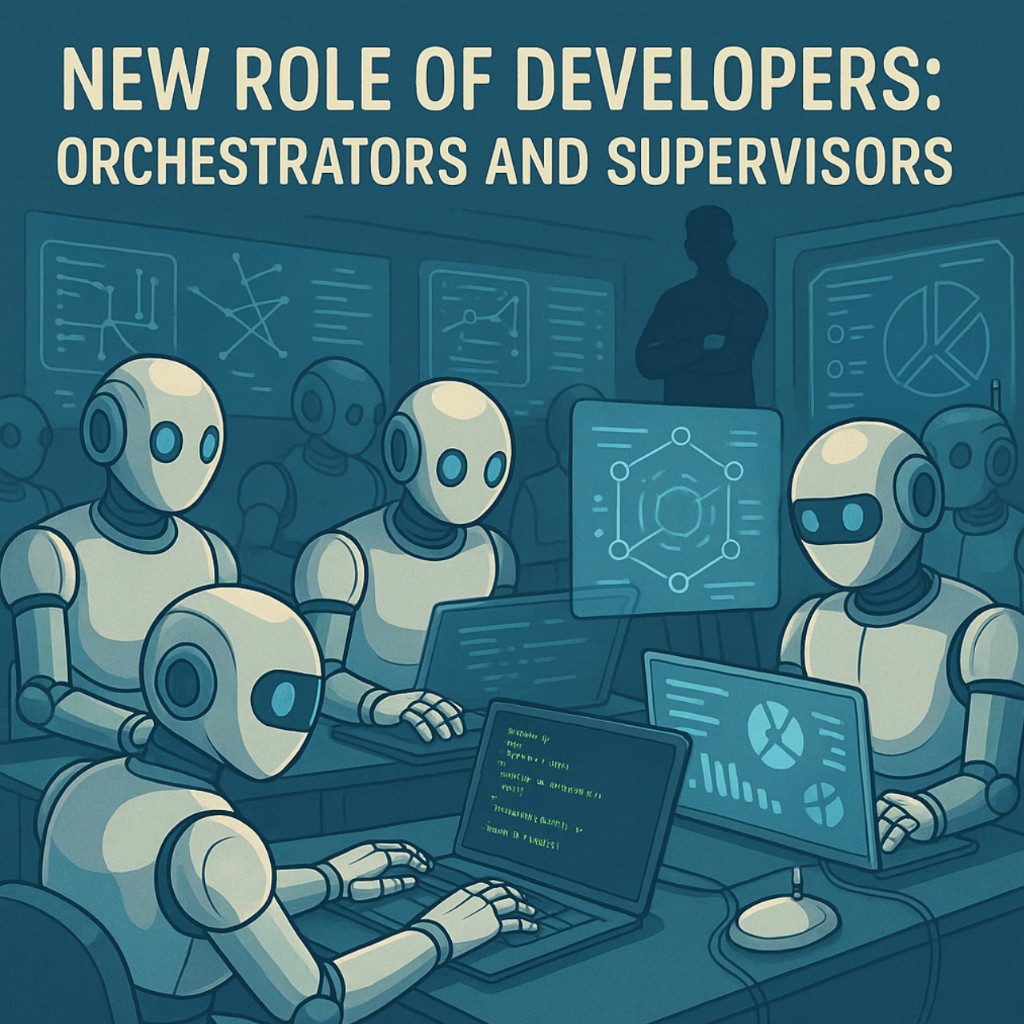
The slide that stuck: “New role of developers: orchestrators and supervisors.” I didn’t want to scare them. I wanted to reframe. You’re not typing less — you’re deciding more. You set the direction. You define the problem. The agent writes the first draft, runs the tests, suggests fixes. You review, correct, and move on.
In a hackathon, that means more iterations in less time. More ideas tested. More prototypes that actually run. You’re not competing with the team that codes the fastest anymore. You’re competing with the team that makes the best decisions under pressure.
Here’s what that looks like in practice:
- You define the goal — “Build a search feature that filters by tags and date range”
- The agent drafts the code — Components, API routes, database queries
- You review and steer — “This works but the date filter logic is wrong. Fix it.”
- The agent iterates — Rewrites the filter, runs tests, shows you the diff
- You merge and move on — The feature is done in 20 minutes instead of 2 hours
That multiplier effect is real. But it only works if you know what “good” looks like. You still need to understand architecture, data flow, edge cases. The agent can’t do that part for you.
Practical Tips from Production
I ended with lessons I’d learned shipping AI-powered features at DailyBot — things I wish someone had told me when I started:
Start with the happy path. Let the agent generate the straightforward version first. You’ll iterate faster than trying to describe every edge case upfront.
Review before you run. AI-generated code can look right and behave wrong. Read it. Understand it. If you can’t explain what it does, don’t ship it.
Use tests as guardrails. Write a failing test that describes what you want. Let the agent implement the fix. If the test passes, you’re probably good. This works especially well with Copilot and Cursor.
Keep the context tight. AI agents work better with focused prompts. “Fix the authentication bug” is vague. “The JWT token expires too early — increase the TTL to 7 days” gets better results.
Learn to debug AI mistakes. The agent will write code that compiles but doesn’t do what you meant. Debugging that gap — between what you asked for and what you got — is a new skill. Practice it.
Resources for Hackathon Participants
I ended with a few pointers so they could start right away:
- Cursor — cursor.com — Try the Composer for multi-file edits. Describe a feature in plain English, get code.
- GitHub Copilot — github.com/features/copilot — If you’re in VS Code or JetBrains, turn it on. It pays off in the first hour.
- Claude — claude.ai — Use it for architecture, API design, or debugging. Paste your error, ask for a fix.
- Slides — View the full deck — All the concepts and examples from the workshop.
Workshop Memories

Let’s keep building.